

In the last ten months we have been connecting Microsoft Copilot with internal company applications quite a lot using our AI Integration Stack at mcp-builder.ai. It did not matter if we supported self-service users or handled the onboarding for our enterprise customers. The patterns were surprisingly similar, and we learned a lot along the way.
In general, we are seeing more and more companies starting or scaling their journey towards AI automation. Especially with Microsoft Copilot. There are quite a few good reasons for that. Most companies are already using the Microsoft ecosystem, it provides massive computing capacity around the world, and Microsoft is now even offering sovereign AI models for different regions such as Europe.
However, onboarding Microsoft Copilot into your enterprise is only the beginning. During many discovery calls with users from different business departments, we kept hearing the same thing. Without an integration into their business processes, or rather the business software they work with every day, Copilot is simply not used that much.
We believe this is also one of the reasons why Copilot adoption is still relatively slow, as this report points out: 4.5%-Adoption-after-3-years.
So let's make the most out of Copilot and connect it with your business data. Here are our five biggest learnings from doing exactly that.
#1 Copilot Studio is powerful but does not (yet) feel finished
First things first. Once your agent is fully configured and, for example, deployed to Microsoft Teams, it feels pretty cool. But the way to get there can be quite exhausting.
While the new Copilot Studio is getting better month by month, it still feels far from being a finished product. It already starts when creating an agent. For some reason, we found at least three different views: the new Agent Mode builder, the classic view, and a separate view for Microsoft 365 Copilot agents.
I understand the idea behind the new Agent Mode experience, but in the end we always switched back to the classic view. It simply felt more complete. On top of that, each view behaves a bit differently and offers different functionality. While the classic agent builder has pretty good support for testing your tool step by step, this seems to be completely missing in the Microsoft 365 Copilot agent view.
Then there is the jump to Power Apps for more detailed tool configuration. It looks like the MCP protocol was implemented using custom connectors in Power Apps. And this is where it starts to get really weird.
Connecting a new tool (integration) from Copilot Studio is actually quite straightforward. But when you inspect the underlying connection, you suddenly end up looking at OpenAPI specifications that somehow represent the MCP calls. At least to us, this felt rather confusing. On top of that, authentication did not work for some of our MCP servers when adding them directly through Copilot Studio. In the end, we had to create custom connectors in Power Apps manually using OpenAPI specifications from an open source GitHub project just to connect our MCP servers.
We noticed similar inconsistencies in other places as well. So all in all, make sure to bring some extra time when connecting your first agents with tools. The whole experience still feels like several existing Microsoft services that have been stitched together. In the end, everything works quite well inside the client, but getting there might cost you one or two tears during the configuration.
#2 Integrations are different every time, and they are barely ever straightforward public services
There is al chance that you are reading this and your company runs entirely on one of the big cloud enterprise platforms like Salesforce or HubSpot. These platforms already offer a lot of connectors. Many are built by smaller teams and published in the marketplace, while others come directly from the vendor.
In theory, you just go to the marketplace, install the connector, log in, and boom. Your company has adopted AI.
Well, of course, it does not work like that.
Even with public connectors, they still need to be managed, controlled, and approved. On top of that, we have seen how valuable a good observability stack is. Knowing who is allowed to access which data, what the AI is actually doing, and having everything monitored in one place becomes more important than you might think. But more about that in learning #5.
Apart from that nice daydream, I can tell you one thing. Most integrations, at least the ones we build, do not expose a public cloud API that you can simply connect to. In many cases there is only a private API that is available to partners. And trust me, becoming a partner can be a long and exhausting process, especially when personal or sensitive business data is involved.
Sometimes it gets even worse. There is no partner API either. Only an internal API, or no API at all. Then the only options left are integrating through other communication interfaces such as EDI, or connecting directly to the underlying data source.
Neither of those options is easy anymore. And therefore are exactly the usecases that we focus on with our integration platform - making them easy after all :)
#3 Most of the time and trouble comes from authentication
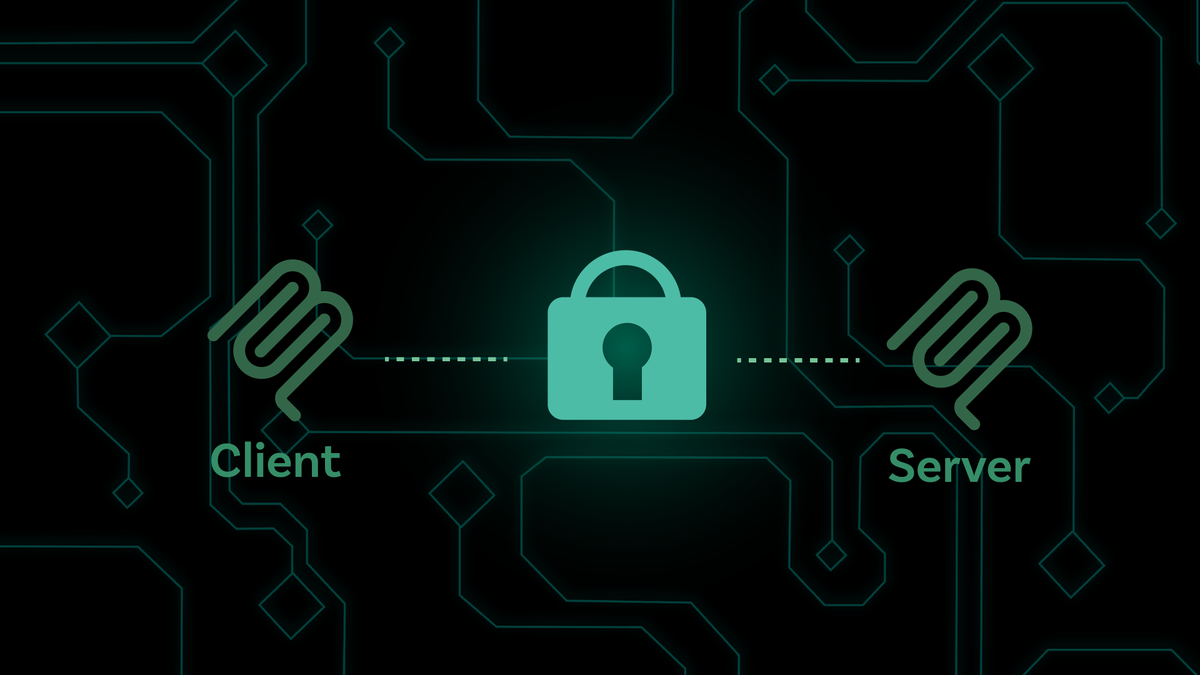
The MCP protocol already supports a range of authentication methods (see the MCP specification: https://modelcontextprotocol.io/specification/2025-11-25/basic/authorization), but in practice the main focus is on OAuth 2.0. We actually think that is a good thing. If you are deploying managed MCP servers that are used by hundreds or even thousands of employees, OAuth 2.0 is exactly what you want.
Now the technical readers might say: "OAuth 2.0 is a standardized protocol, so what is the issue?"
We agree. But from our experience, authentication was still responsible for most of the problems we encountered when connecting MCP servers.
In many cases, the problems already start before the actual authentication. The MCP protocol requires something called OAuth Discovery.
As the specification states:
"MCP servers MUST implement OAuth 2.0 Protected Resource Metadata (RFC9728). MCP clients MUST use OAuth 2.0 Protected Resource Metadata for authorization server discovery."
The process itself is standardized. Still, we regularly run into issues simply because the different MCP clients are not yet on the same implementation level. We have seen differences between the MCP Inspector, Claude Code and Microsoft Copilot Studio.
For example, Copilot Studio validates the resource attribute returned in the discovery metadata, while other clients such as Claude Code currently do not. Small differences like these can easily cost you several hours of debugging. Especially when the error messages are not particularly helpful.
Another example is Dynamic Client Registration. Some MCP clients support it, which means users do not have to provide a client ID and client secret manually. That sounds great, until you deploy into an enterprise environment. Many companies do not allow Dynamic Client Registration in their identity provider, for example in Microsoft Entra ID.
So to summarize, MCP defines a solid authentication standard. The challenge is that not every client supports every part of it yet. At the same time, enterprises often have security policies that restrict which authentication flows are allowed. Combine that with slightly different implementations and error messages that are sometimes less than helpful, and you will probably spend quite some time debugging authentication.
On the bright side, all of this helped us harden the OAuth implementation in our own platform. Today it supports a much wider range of enterprise authentication requirements than it did a year ago.
#4 Every integration is useless if your software is running in a private network and Microsoft Copilot cannot reach it
This is a big one.
As I already mentioned in the second learning, most enterprise software is not running as a public cloud service with a nice public API. The reality is usually quite different. Business applications often run inside a private company network and are only reachable through a VPN or from within the corporate network.
Now you have a problem.
Microsoft Copilot runs in the cloud and does not care about your company VPN.
On one side you have a cloud application like Microsoft Copilot. On the other side you have a business application or data source that is only available inside a private network.
And of course, almost no enterprise is willing to expose these services to the public internet or simply open ports in their firewall. And they absolutely should not.
I actually think the larger AI vendors are starting to recognize this challenge as well. OpenAI, for example, recently introduced Secure MCP Tunnels to securely access private MCP servers.
We ran into exactly the same problem, which is why MCP-Builder also includes an MCP Gateway out of the box.
Our approach is to run the complete MCP server on-premises, directly inside the customer's private network, close to the business application or data source. Authentication, permissions, and access to the business systems stay inside the private network.
From there, a reverse MCP Gateway running in our cloud, or alternatively in the customer's public cloud, establishes a secure tunnel between Microsoft Copilot and the private network. Only the data that is actually allowed to leave the company network is transported to Microsoft Copilot.
To summarize: this can easily become a dealbreaker for your whole integration project. Think about network connectivity from the very beginning. Or use mcp-builder.ai, which already comes with an MCP Gateway included. 😉
#5 Do not build a data black box. Track every interaction, access, and modification.
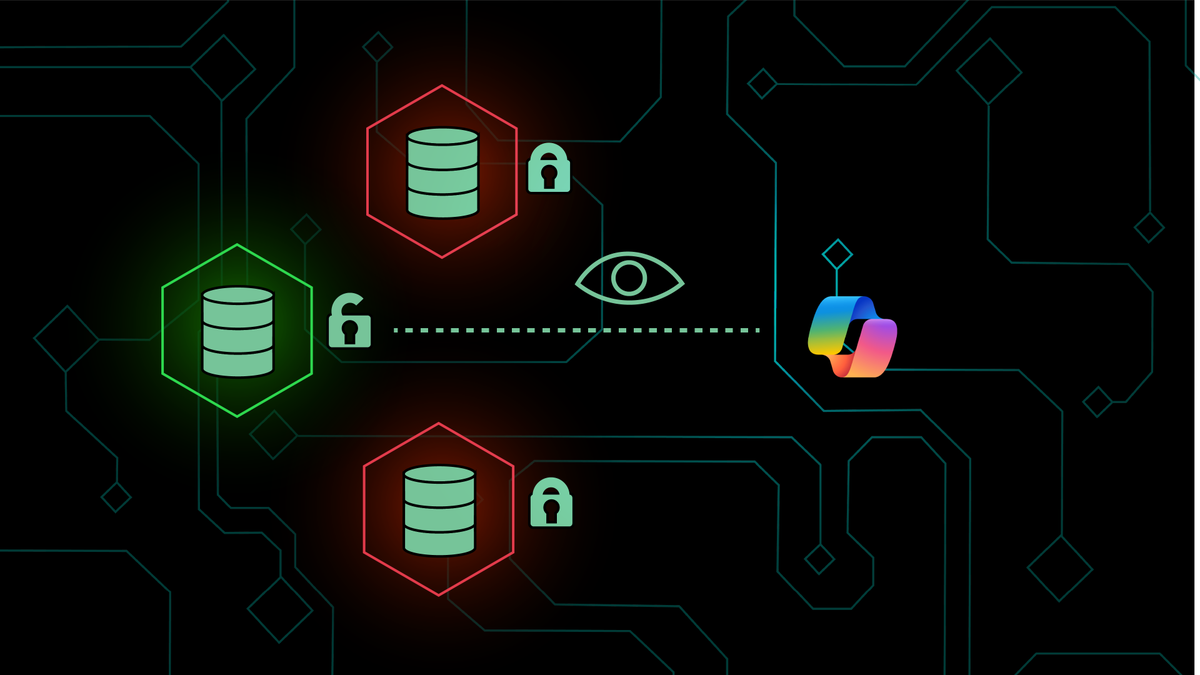
AI tools are often seen as unpredictable and unreliable. So if you are the CTO of a large enterprise, you really want to know what data your AI tools are accessing and modifying.
The first step is to use dedicated service accounts in your business applications. That way you can already distinguish AI-driven changes from changes made by regular users.
But that alone is not enough. We believe there are two things every integration should have.
First, the authorization layer belongs in the integration itself. Do not give your Copilot access to everything. Only expose the actions that should actually be available. You define these permissions, and Copilot can only work within those boundaries. Even if it generates a wrong action, it simply cannot execute operations that are not explicitly allowed.
Second, build an observability stack. Track every data record that is read or modified. Record who requested it, both the AI tool and the user behind it, when it happened, what was accessed, how long it took, and any other information that helps you understand what is going on.
Especially during the journey from pilot to production, this transparency helps to build trust. You can see exactly how Microsoft Copilot interacts with your business systems, what data it accesses, and how it behaves over time. As a nice side effect, it also becomes a great analytics dashboard to understand how your AI integrations are actually being used.
Because we see this level of observability as so important, we built it directly into MCP-Builder. Together with the MCP Gateway, you get both capabilities out of the box.
Summary
So there you have it. These were our five biggest learnings from integrating Microsoft Copilot with business applications.
Looking back, the technical integration itself was rarely the biggest challenge. Authentication, private networks, different client implementations, and having the right level of control and observability usually required much more attention than expected.
The good news is that the ecosystem is evolving quickly. Microsoft, OpenAI, and the broader MCP community are improving their tooling month by month. We are excited to see where it goes and, more importantly, to keep building on top of it.
If you are currently planning your own Microsoft Copilot integration, I hope these learnings help you avoid at least a few of the pitfalls we ran into along the way.
About the Author
Dominik is the CEO and Co-Founder of apichap, the company behind the AI integration stack for securely connecting business applications and data with AI tools.
Before founding apichap, he spent nearly 20 years building servers, data platforms, and integration solutions, experiencing first-hand how APIs have evolved over the years. Still a passionate software engineer at heart, he regularly speaks at conferences and developer events about AI, integrations, and the latest technology trends.